Home Service & Contractor Ops
The First Workflow to Automate — and 3 You Shouldn't Start With
Picking the wrong first automation is why most contractor automation projects stall. Here's how to choose the one that pays back in weeks, not quarters.
Why the first one matters more than the rest
The first automation isn't really about the hours it saves. It's about proving — to you, your crew, and your budget — that a system can be trusted with real work.
Pick right, and in two weeks something that used to eat an hour a day just happens on its own. Everyone feels it. The next project gets easier to say yes to.
Pick wrong — too complex, too fuzzy, too political — and the project drags, the team decides "automation doesn't work for a business like ours," and the manual grind continues for another two years.
What makes a perfect first automation
Score your candidate workflow against these five tests:
| Test | Ask yourself |
|---|---|
| Frequent | Does it happen daily or near-daily? |
| Rule-based | Could you write the steps on one page with no "it depends"? |
| Painful | Does someone visibly groan doing it? |
| Contained | Does it touch 2–3 systems, not 7? |
| Measurable | Will you see the saved hours within a week? |
Four or five yeses: automate it now. Three or fewer: it's a later project.
The usual winners, in construction and home service
Across contractor and trade builds, the first automation that works is almost always one of these:
Repetitive quoting. The same line items, warranty terms, and install specs typed or copy-pasted for every job. Kung Fu Air Service, an HVAC company, started exactly here — quoting time dropped from 10–15 hours a week to 3–5 with a voice-driven quoting tool.
Job scheduling and client updates. Confirmations, schedule changes, "what's the status" calls. South Central Investment Group, a general contracting operation, replaced scattered calls, texts, and spreadsheets with one centralized system and cut daily coordination from 3–4 hours to under 1.
Status updates to clients. The "just checking in" calls disappear when milestone updates go out automatically as a job moves through phases. This is usually the first thing we ship for a GC or remodeler.
The three false starts
1. The judgment call. Anything where a human currently decides — pricing exceptions on a bid, which lead is worth chasing, how to word a delicate change-order conversation. Automate the 80% that's mechanical and route the rest to a person. Starting with the judgment part kills projects.
2. The process nobody agrees on. If your lead estimator and your office manager run the intake process three different ways, automation just picks a fight. Standardize first, then automate the standard.
3. The moonshot. "One system that runs the whole job lifecycle" is a roadmap, not a first project. Every successful build we've run started with one narrow workflow that shipped in days. South Central's job-management system started as scheduling plus client updates — the rest came after it proved itself.
The one-page scoping exercise
Write down, for your candidate workflow:
- Trigger — what starts it? (a job is booked, an inquiry comes in, a phase is completed)
- Steps — every action, in order, including the "oh and then I also…" parts
- Systems touched — every tool, spreadsheet, and phone thread involved
- Exceptions — what makes it go sideways, and how often
- Time — minutes per run × runs per week
If you can't finish this page, the workflow isn't ready. If you can, you've just written the spec an automation gets built from.
Next steps
Pick the workflow that scored highest and run the one-page exercise. That page is the difference between "we should automate something" and a scoped project with a payback date.
Bring it to a 45-minute capacity call and we'll tell you plainly whether it's worth building — and what to build first.
Keep reading
Guide
The Question Your Office Answered Five Times This Week
A homeowner calls about an install quote. Then another texts about the warranty. Someone else wants to know what happens after the inspection. Your team knows the answer. It may live in the estimator’s head, an old text thread, or the office manager’s memory — so someone stops, checks the details, and types it again.

Guide
The AI Slowdown Debate — and What It Means for Your Business
Washington turned down requests from AI leaders to slow down. Markets fell, and paying customers filed lawsuits. Plus an AI that speaks 97 languages.
Guide
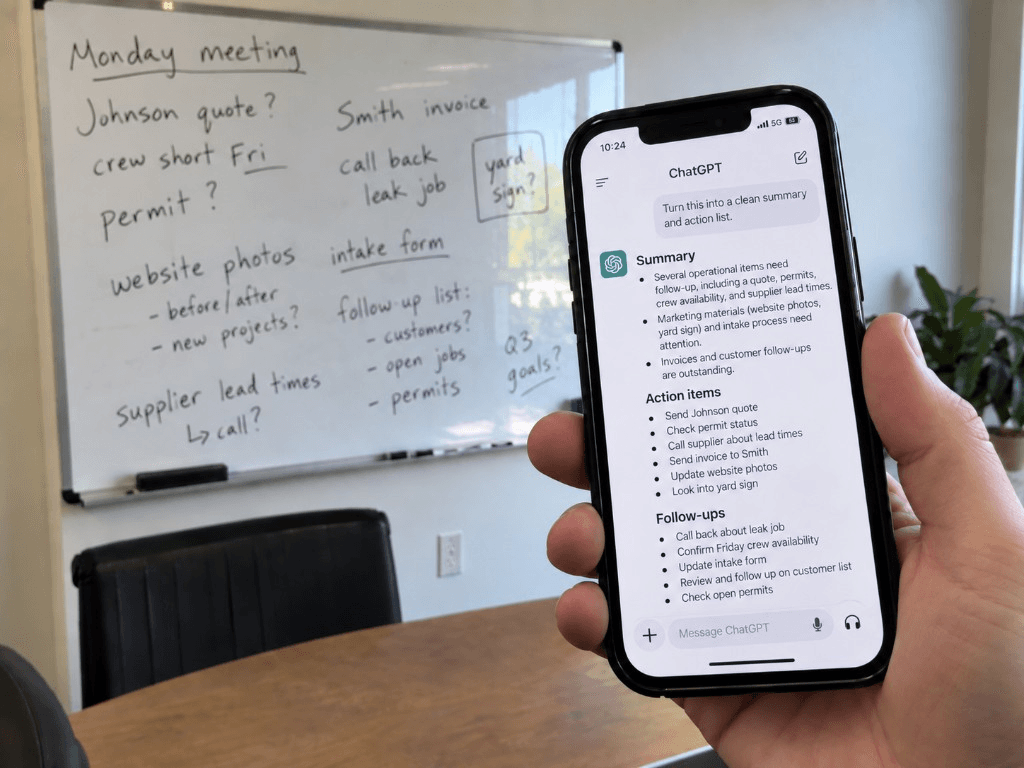
Stop Retyping Things That Are Already on Paper
Every AI app has a camera button. Most people have never pressed it. Here's what it actually does — and where it's genuinely useful for a trade or service business.
Let’s find the hours.
Bring your last ten quotes and a normal week off the schedule. Forty-five minutes is usually enough to see where it’s going.