Home Service & Contractor Ops
How to Answer a Bad Online Review Without Making It Worse
Paste the review into a free chatbot and get a calm public reply plus a private message to the customer. Save the prompt once and use it every time.
The one-star review you read at 9 p.m. and have been composing angry replies to in your head ever since.
The review is unfair, or half true, or about something you already fixed. Every version you draft sounds defensive. So it sits there, public, with no answer, while new customers read it.
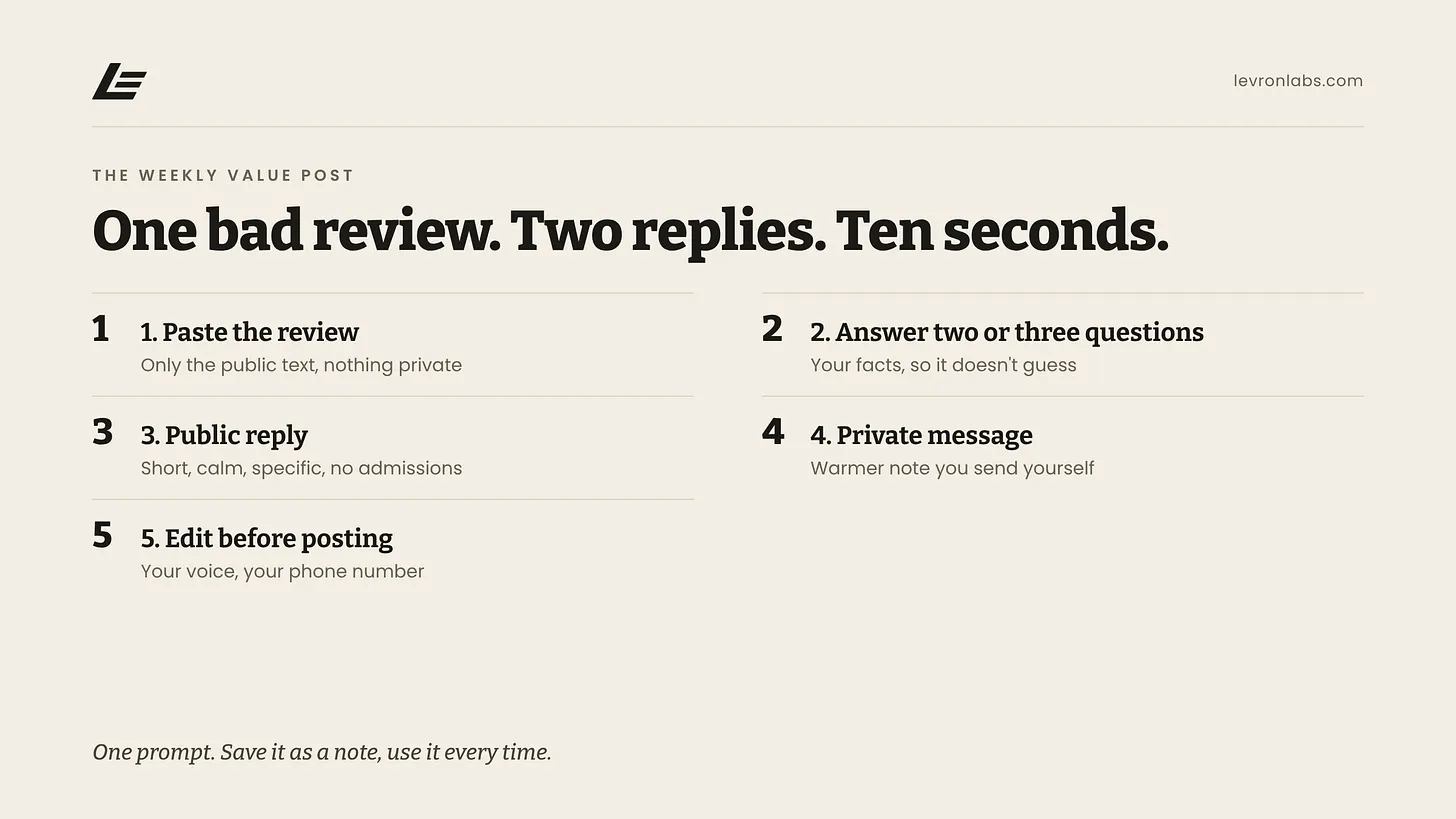
Below is one block of text that handles it. Copy it into a note on your phone or a pinned chat in your chatbot. When a bad review shows up, you paste the review in and get two things back: a short public reply, and a separate private message you can send the customer yourself.
It works in ChatGPT, Claude, Gemini — whatever you already have open. Free versions included. No paid plan needed.
What Google is doing, and why you don’t have to wait for it
Google is testing a button in Google Business Profile called “Reply to reviews with AI.” It suggests a reply you can edit and post. It was first reported in March as a limited test, and coverage as late as July still described it that way. Only some accounts see it, and early reports placed it in the US, Brazil, and India — not widely in Europe. If you don’t see the button, nothing is wrong with your account. Some users have also reported options to reply in bulk, and reports conflict on whether those publish without review. If you have it, check before you click anything.
Even where it shows up, treat the draft as a starting point. Generic replies can erode trust, especially on negative reviews, and a generic reply to an angry customer reads like a form letter. Everyone reading can tell.
A chatbot you control gives you more say. You tell it what to avoid, and you can give it the facts.
The prompt
Save this as a note or a pinned chat. Paste it in fresh each time, then paste the review underneath.
I run a small business and I got a negative online review.
Help me respond to it.

I will paste the review below. Before you write anything, ask me
up to three short questions if you need facts. For example, what
actually happened, or what I'm willing to offer. If I don't
answer, don't guess.

Then give me two things.

1. A public reply, under 80 words:
- Calm and specific. Refer to something the reviewer actually said.
- Thank them for the feedback in one short sentence, not a gushing one.
- No defensiveness, no arguing, no blaming the customer.
- Do not admit fault or liability for damage, injury, money
  owed, or anything a lawyer might care about. You can say
  we're sorry they had a frustrating experience without
  saying we did something wrong.
- Do not reveal any details about the customer, the job, or
  their account beyond what is in the review.
- Invite them to contact me directly, offline, to sort it out.
  Use [my phone number / my email] as the placeholder.
- If I tell you I run a healthcare or dental practice, this
  overrides the rule above about referring to the review: do
  not confirm or imply the reviewer was a patient, do not
  mention any visit or treatment, and reply in general terms
  only, inviting them to call me.

2. A separate private message I can send them directly:
- Warmer and more personal than the public reply.
- Ask what happened from their side.
- Say what I can do next, using only what I told you.
- Under 120 words.

Plain words. No corporate phrases. No exclamation marks.

Here is the review:
How to use it
- Open your chatbot and paste the prompt.
- If you run a dental or medical practice, say so before you paste the review.
- Paste the review text under it — only the review as it appears publicly.
- Answer the two or three questions it asks. Short answers are fine.
- Read both drafts out loud.
- Edit, then post the public one and send the private one yourself.
The editing step is not optional. Change anything that isn’t true. Put your own phone number or email in. Cut any line you would never say to a customer’s face.
This is the same shape as turning a repeated customer question into a saved reply: write the facts once, let the tool draft the wording, then approve what you’d actually send.
A worked example
Say the review reads: “Waited two hours past the window for someone to show up, and nobody called. One star.”
The chatbot will likely ask what happened. You answer: “A crew ran long on an earlier job. We should have called. I’d like to offer a callback from the owner.”
The public reply you get back will be along these lines: it thanks them, mentions the missed arrival window and the missing call, says that is not the experience you want anyone to have, and asks them to reach you at your number so you can make it right. It does not argue about the two hours, and it does not promise a refund in public.
The private message is the place for more: a plain apology for the missing call, what happened in a sentence, and what you can offer.
This same shape fits an auto shop (a repair that took longer than quoted) or a contractor (a crew that didn’t show). Swap the facts you give it. The structure stays.
Where it falls down
It doesn’t know what happened. It only knows what the review and you tell it. If you skip the questions, it will write around the gaps, and sometimes it invents a detail. Check every fact before posting.
Privacy. Paste only what is already in the public review. Do not put patient records, customer personal information, card numbers, or sensitive signed contracts into free AI tools. If you’re tempted to paste an invoice or a job file to “give it context,” type the one fact you need instead.
Not legal advice. The prompt tells the chatbot to avoid admitting liability, but it can’t guarantee that. If the review alleges injury, a safety problem, fraud, or anything you might end up in a dispute over, have a lawyer or your insurer look at the reply before you post it.
Dental and other regulated work. Be especially careful. Even confirming that someone was a patient can be a problem, and that holds even when the patient posted first. The federal agency that enforces health privacy rules has penalized dental practices for answering reviews this way. Keep the public reply from confirming anything about the person.
Also, a review that breaks the platform’s rules — a fake one, or one from someone who was never a customer — is better reported to the platform than answered at length.
Try it once
Answer the next bad review with this prompt. Read both drafts out loud before anything goes out.
Aristotle Taylor is the CEO and co-founder of Levron Partners. We find where an operation is leaking hours, then build the software that removes them.
Sources
Google’s AI review replies test
- Search Engine Land, March 20, 2026 — the test and where it was spotted
- Location3, July 7, 2026 — still described as a test with varying availability
- ALM Corp — treating AI drafts as a first draft
Health privacy and review replies
- Mintz — OCR settlement with a dental practice, including acknowledging someone as a patient
- Nixon Peabody — confirming facts a patient posted can raise HIPAA issues
Keep reading
Guide
This Week in AI for Contractors: Two Big Companies Launched AI That Does Office Work
Both connect to the software you already use. September 28th to October 4th.
Guide
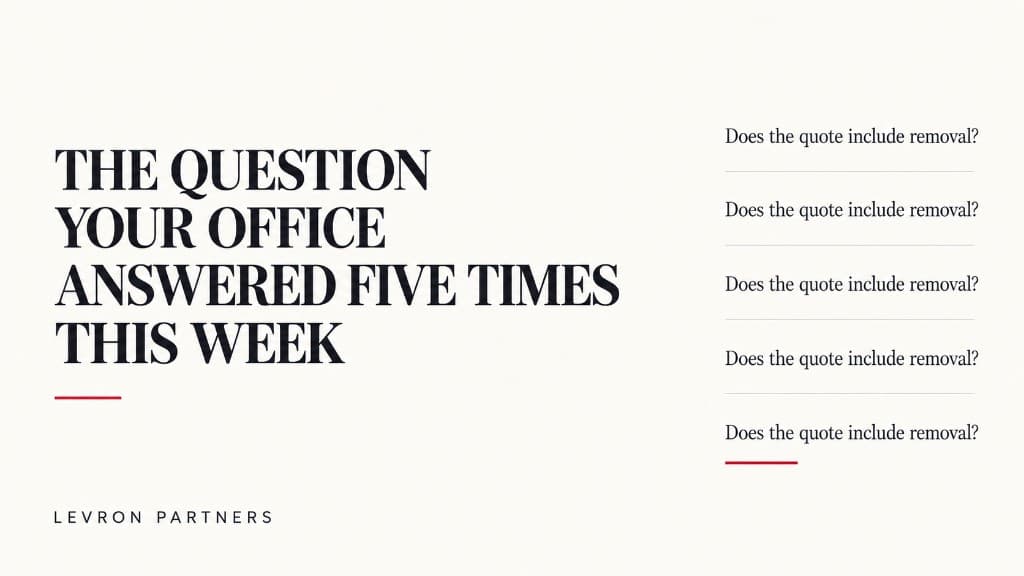
The Question Your Office Answered Five Times This Week
A homeowner calls about an install quote. Then another texts about the warranty. Someone else wants to know what happens after the inspection. Your team knows the answer. It may live in the estimator’s head, an old text thread, or the office manager’s memory — so someone stops, checks the details, and types it again.
Guide
The AI Slowdown Debate — and What It Means for Your Business
Washington turned down requests from AI leaders to slow down. Markets fell, and paying customers filed lawsuits. Plus an AI that speaks 97 languages.
Let’s find the hours.
Bring your last ten quotes and a normal week off the schedule. Forty-five minutes is usually enough to see where it’s going.