Home Service & Contractor Ops
See the Exact Words Customers Typed Before They Found Your Business
Google already keeps a free list of the searches that led people to your profile. Open it, paste it into the AI you already use, and get three things to add or fix.

You’ve paid for a website. You’ve asked someone about “SEO.” You’ve wondered what people actually type into Google when they end up calling you instead of the other company.
Google has been keeping that list for you. It’s free. Most owners never open it.
What it is and where it lives
If your business has a Google Business Profile, there is a section called Performance. Inside it is a Searches list: the words real people used before your business showed up in front of them.
One requirement: you have to be signed in to the Google account tied to the profile.
There is no paid plan involved. The same profile is also where reviews land. If a one-star shows up, here’s how to answer it without making it worse.
How to look at it
- Sign in to the Google account that manages your profile.
- Search your own business name on Google. A management panel should appear at the top of the results. You can also open the Business Profile app or Google Maps.
- Find the section called Performance.
- Look for Searches. That’s the list of words.
There is a date range selector on the report, so you can look at a different stretch of time if the current month looks thin.
Take ten seconds and just read it. Some of it will be what you expected. Some of it usually won’t be.
Turn the list into three things to do
Select the top searches, copy them, and paste them into ChatGPT, Claude, Gemini, or whatever you already have open. Free versions work.
Do not put patient records, customer personal information, card numbers, or sensitive signed contracts into free AI tools. This prompt doesn’t need any of that. Just the search words and your trade.
Below is a list of the searches people typed into Google before
finding my business. I run a [type of business] in [town or area].

Here are the searches:
[paste the list]

Give me exactly three things, in order of importance:
1. Something to add or change on my Google Business Profile
   (services, description, categories, or photos)
2. Something to add or change on my website, such as a page or
   a heading
3. One search on the list that I seem to be showing up for by
   accident, and what it might mean

Be specific to the words in the list. Do not give generic
marketing advice. If something is unclear, ask me one question
before you answer.
A worked example
Say you run a home services company and the list shows people searching for “emergency water heater replacement” and “tankless water heater install near me.” Your profile only says “plumbing services.”
The AI will likely point out that those exact phrases don’t appear anywhere on your profile or site. Three fixes come out of that: add water heater replacement as a listed service, write two sentences on your profile that use those words, and put a short page on your website about water heater installs.
The same pattern works for a dental office seeing “same day crown” or an auto shop seeing “brake noise when stopping.” The list tells you the words. The AI helps you put them where customers will find them.
Where it falls down
The list shows what people typed, not who they were. It doesn’t tell you which searches turned into paying jobs. Treat it as a clue, not a verdict.
It updates monthly. Google refreshes the searches data at the start of each month. Checking it daily gets you nothing new.
The AI is guessing at what will work. Its suggestions are reasonable, not guaranteed. Make the changes that fit your business and ignore the ones that don’t.
Related numbers can mislead. In the same Performance area, the Calls figure counts taps on the Call button, not confirmed phone calls, according to a third-party guide. Don’t read it as a count of answered calls.
Make it a first-of-the-month habit
Because the list refreshes at the start of each month, put a reminder on your phone for the first. Open Performance, copy the list, paste it into the prompt. Five minutes, once a month.
Try it once this week. Ten seconds to read the list is enough to learn something.
Aristotle Taylor is the CEO and co-founder of Levron Partners. We find where an operation is leaking hours, then build the software that removes them.
Sources
- Google Business Profile Help — Performance and the search terms report, plus verification and sign-in requirements
- Sterling Sky — a third-party guide to reading the Performance report, including what the Calls number actually counts
Keep reading

Guide
This Week in AI for Contractors: Two Big Companies Launched AI That Does Office Work
Both connect to the software you already use. September 28th to October 4th.
Guide
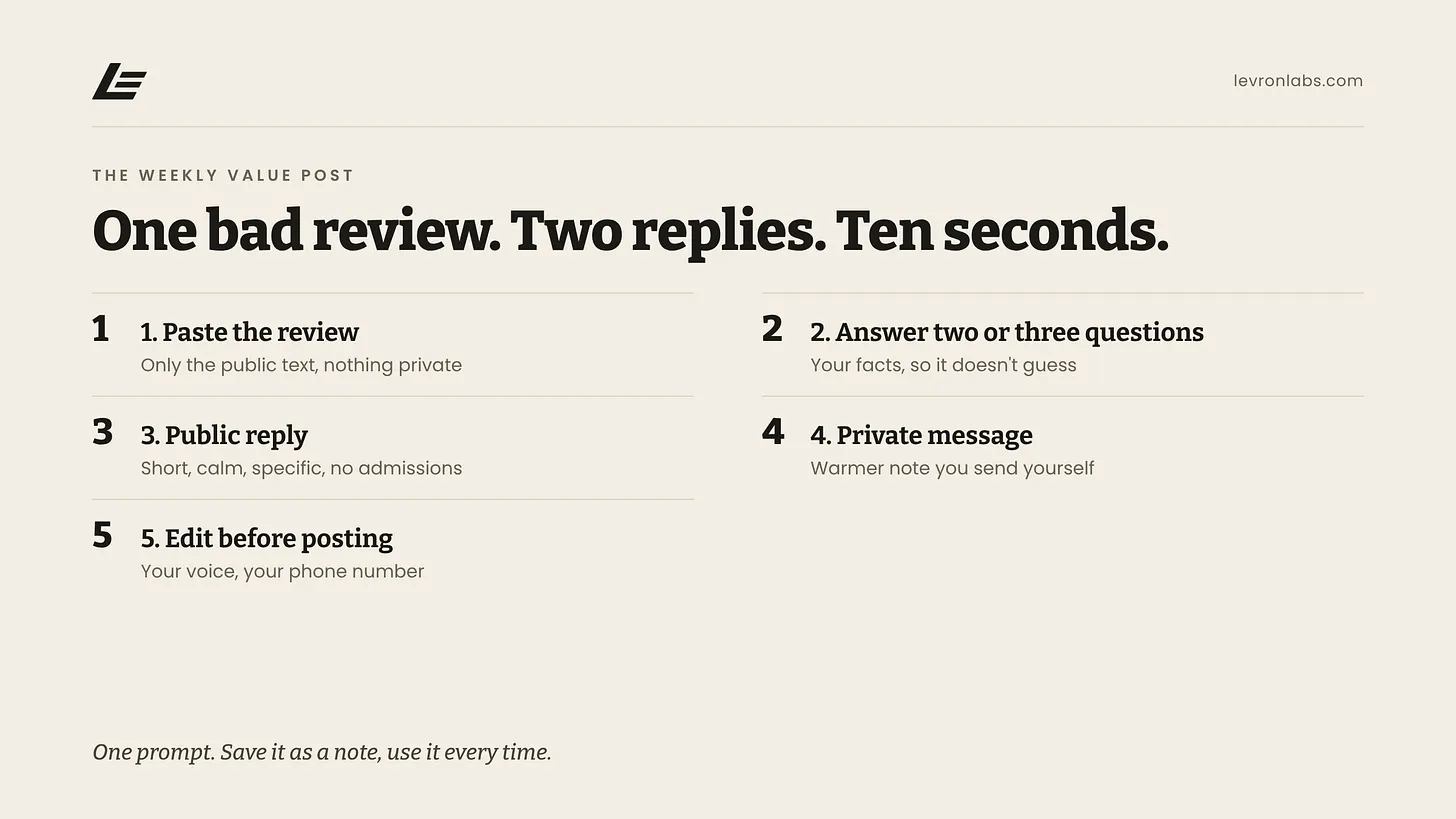
How to Answer a Bad Online Review Without Making It Worse
Paste the review into a free chatbot and get a calm public reply plus a private message to the customer. Save the prompt once and use it every time.
Guide
The Question Your Office Answered Five Times This Week
A homeowner calls about an install quote. Then another texts about the warranty. Someone else wants to know what happens after the inspection. Your team knows the answer. It may live in the estimator’s head, an old text thread, or the office manager’s memory — so someone stops, checks the details, and types it again.
Let’s find the hours.
Bring your last ten quotes and a normal week off the schedule. Forty-five minutes is usually enough to see where it’s going.